Free resume templates
27 professionally designed, ATS-friendly templates. Every one is free to use and downloads as a pixel-perfect PDF with no watermark.
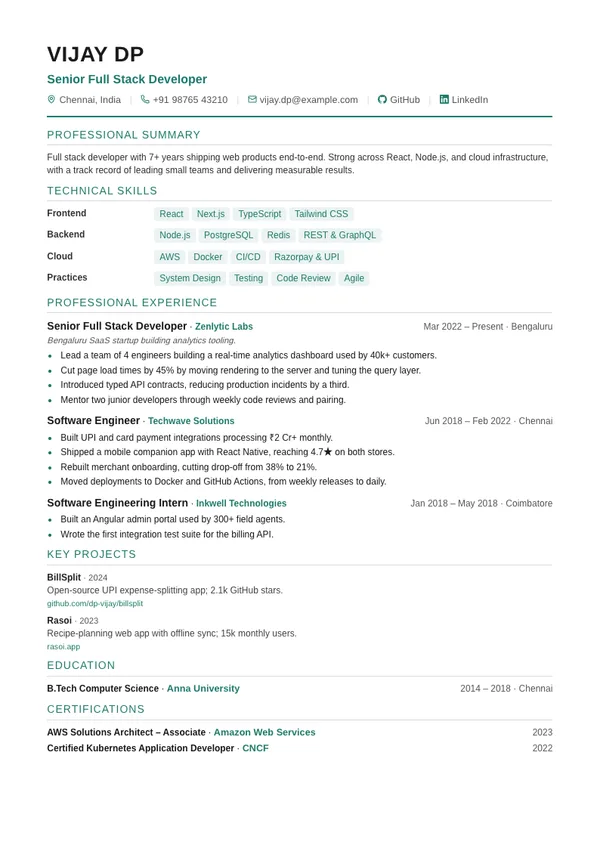
Classic
Single columnATS-friendly single column with clean section rules.
Classic resume template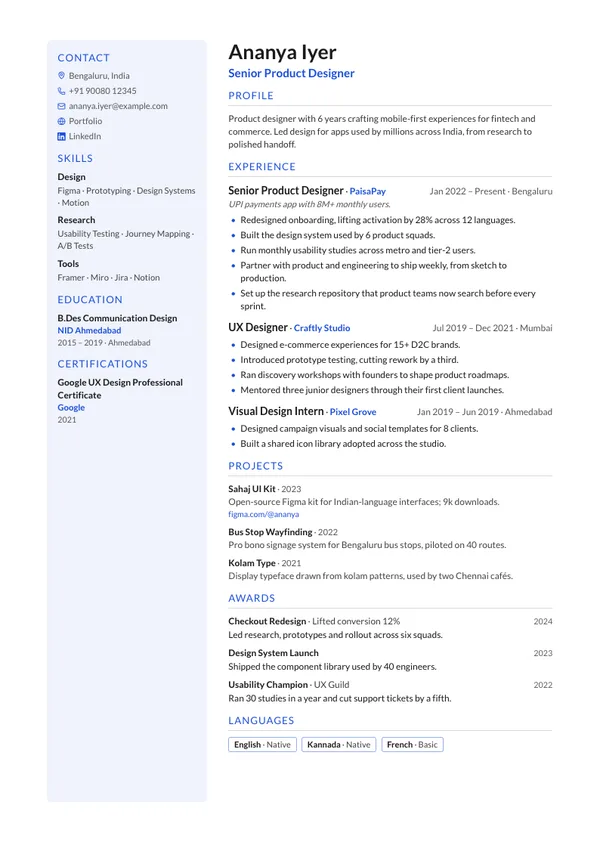
Modern
Two columnsTwo columns with a tinted left sidebar for skills and education.
Modern resume template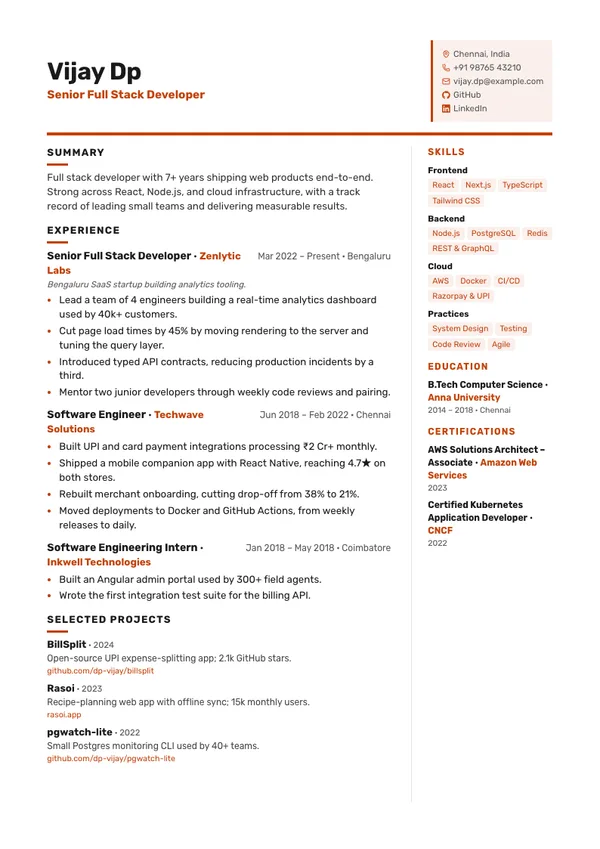
Split
Two columnsBoxed contact card in the header, sidebar on the right.
Split resume template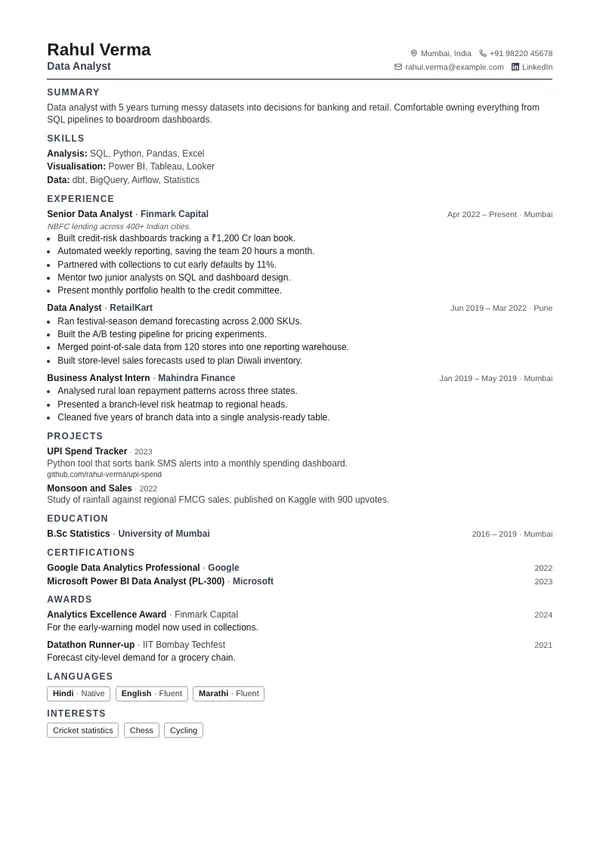
Compact
Single columnDense layout that fits more onto a single page.
Compact resume template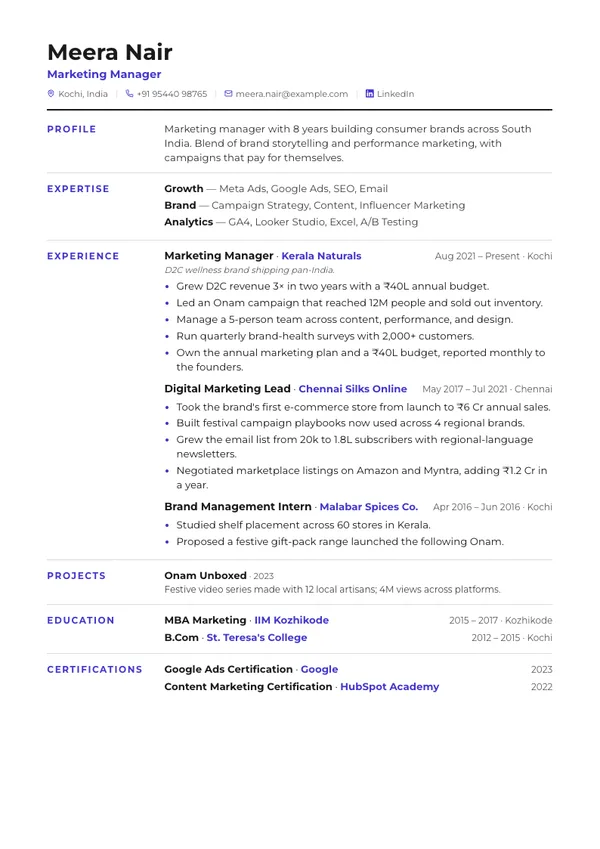
Ledger
Single columnSection labels in a left column beside their content.
Ledger resume template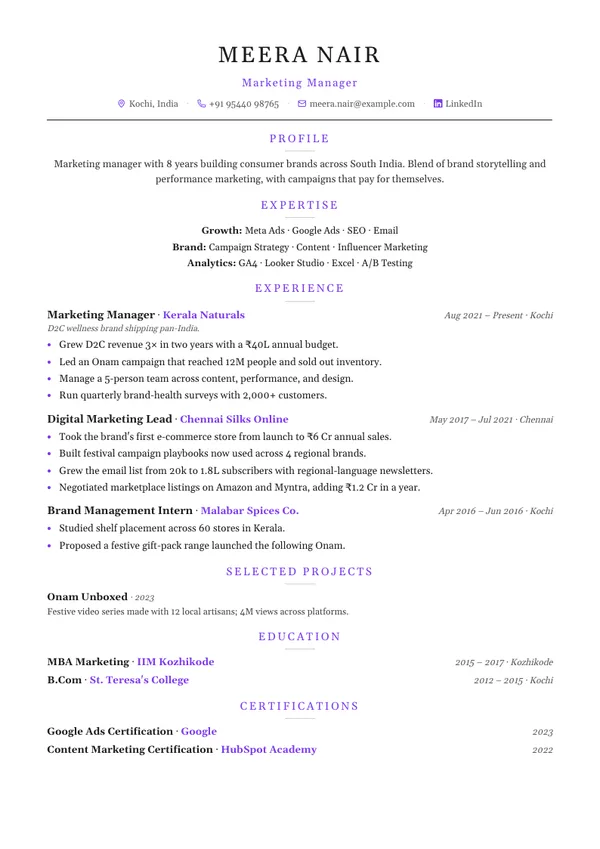
Elegant
Single columnCentered serif header with understated dividers.
Elegant resume template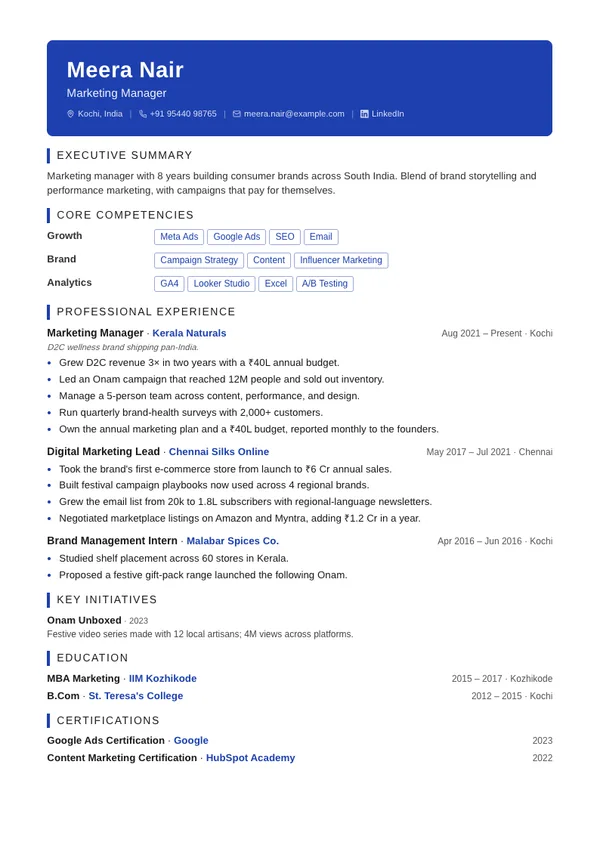
Executive
Single columnBold accent header band with an authoritative layout.
Executive resume template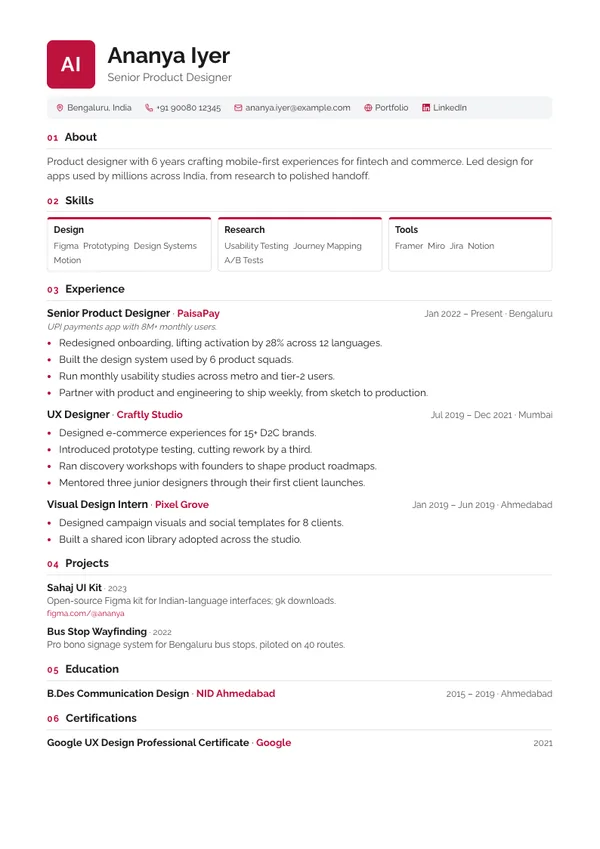
Monogram
Single columnInitials block, contact strip, and numbered sections.
Monogram resume template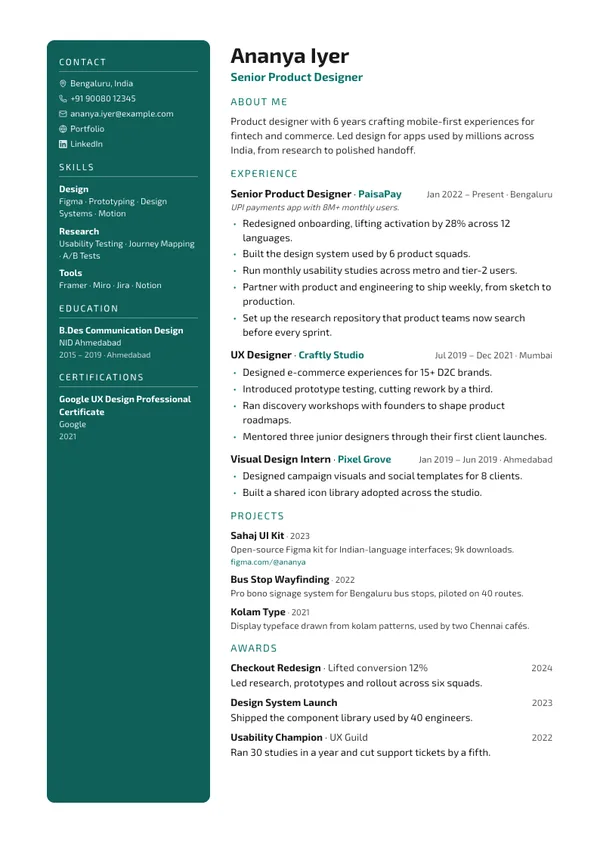
Creative
Two columnsDark accent sidebar with photo — made to stand out.
Creative resume template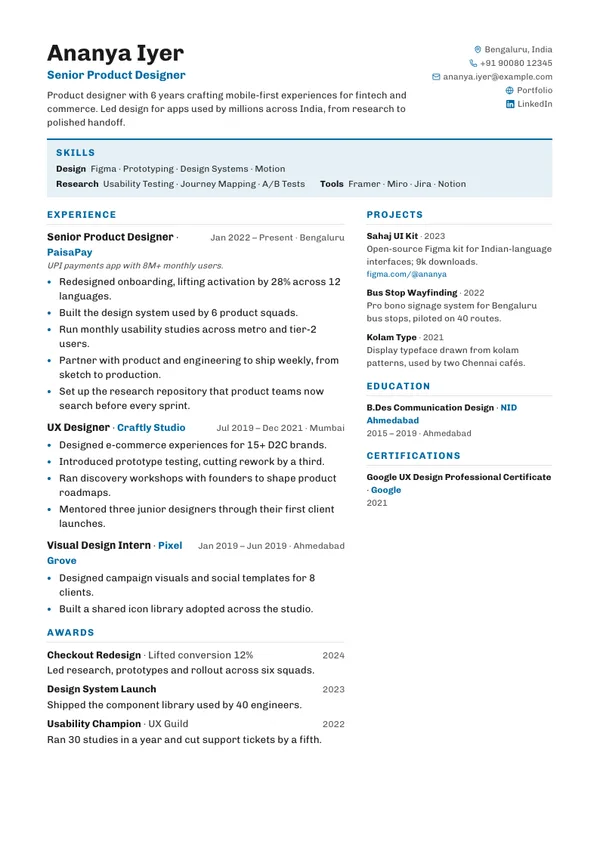
Horizon
Two columnsSkills band under the header, experience beside projects.
Horizon resume template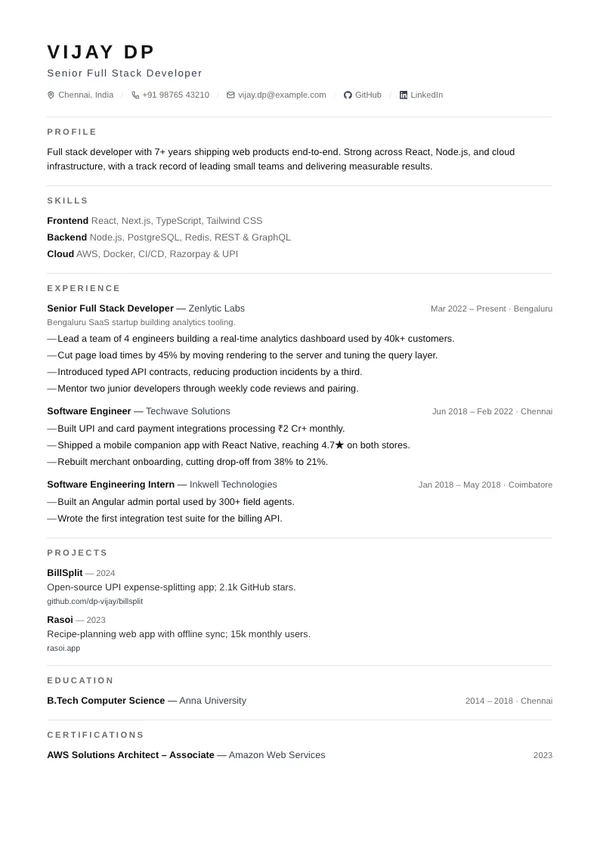
Minimal
Single columnSwiss-style typography, hairline rules, pure whitespace.
Minimal resume template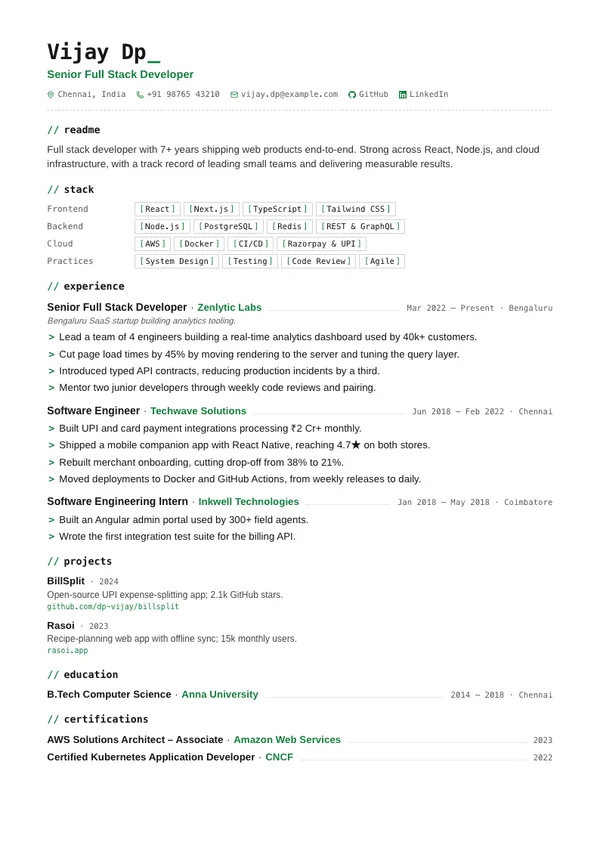
Mono
Single columnDeveloper-styled: code labels, bracketed skills, > bullets.
Mono resume template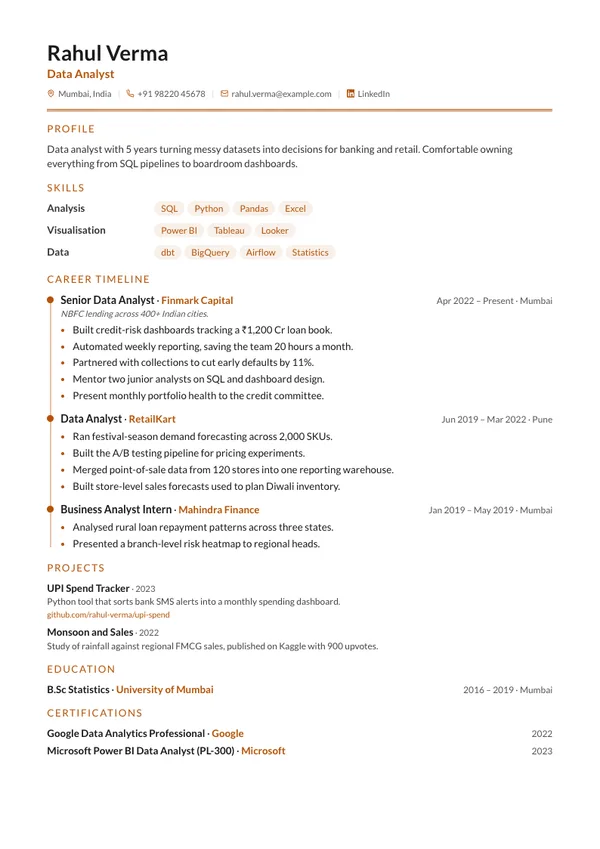
Timeline
Single columnCareer rail with accent milestones down your experience.
Timeline resume template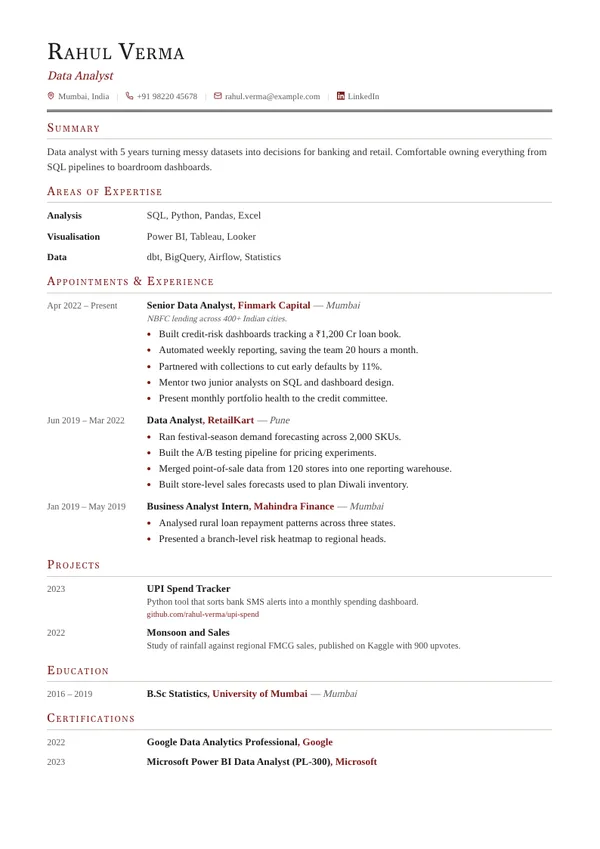
Academic
Single columnCV-style date gutter with serif small-caps headings.
Academic resume template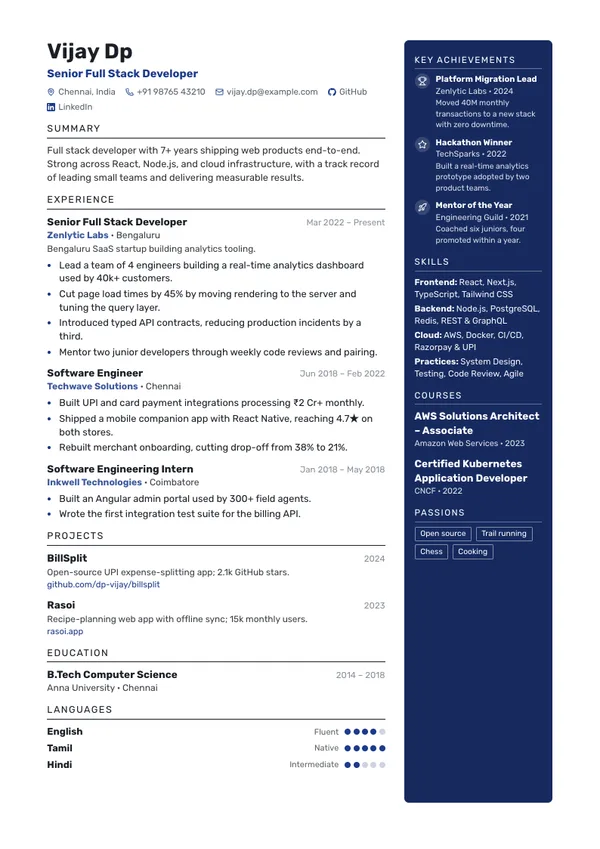
Navy
Two columnsDeep accent sidebar on the right for photo, achievements, skills and courses.
Navy resume template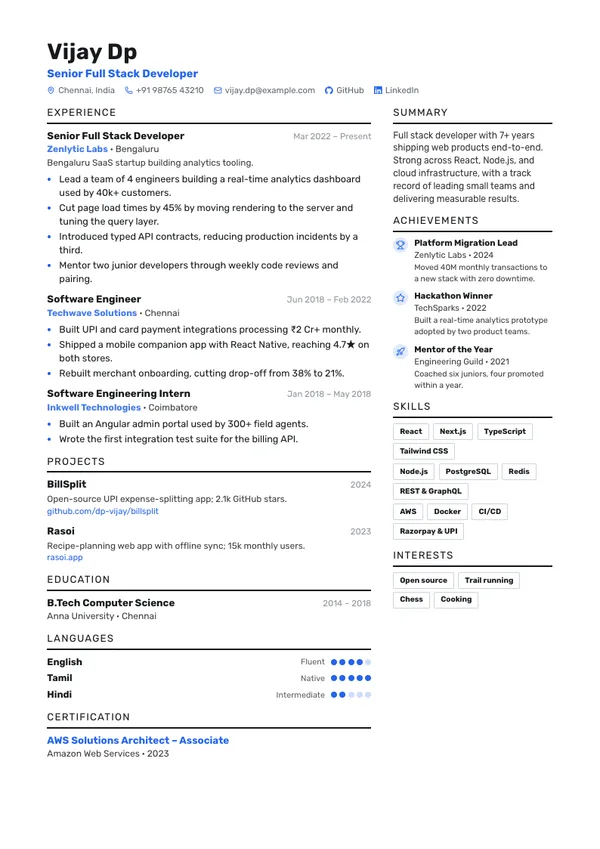
Duo
Two columnsWide experience column beside a light column of summary, achievements and skills.
Duo resume template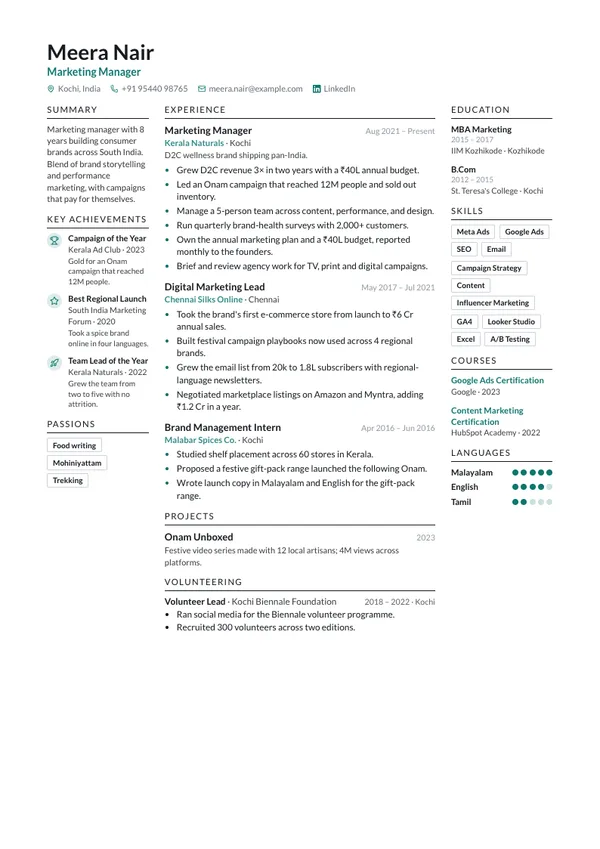
Triad
Three columnsThree columns — context, experience, credentials — under a photo header.
Triad resume template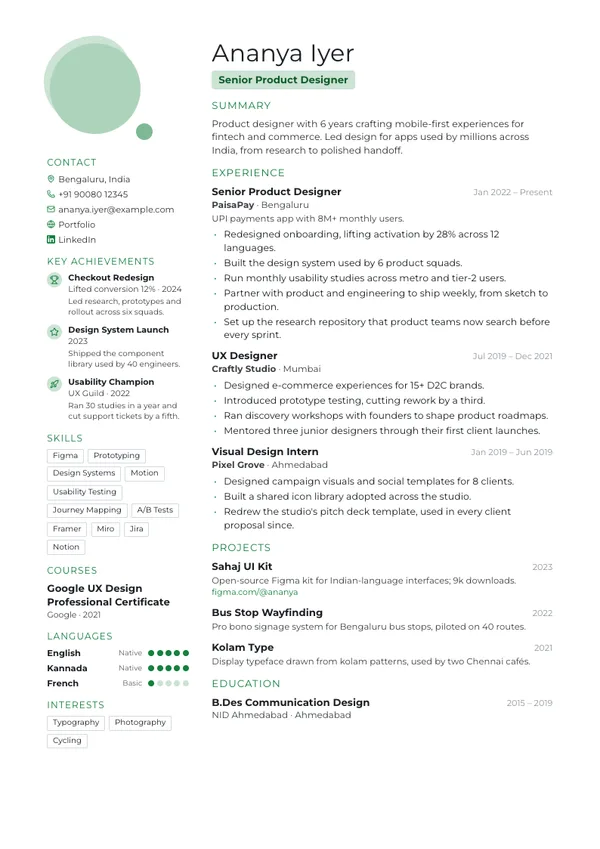
Portrait
Two columnsLarge portrait with a soft accent shape; contacts and credentials down the left.
Portrait resume template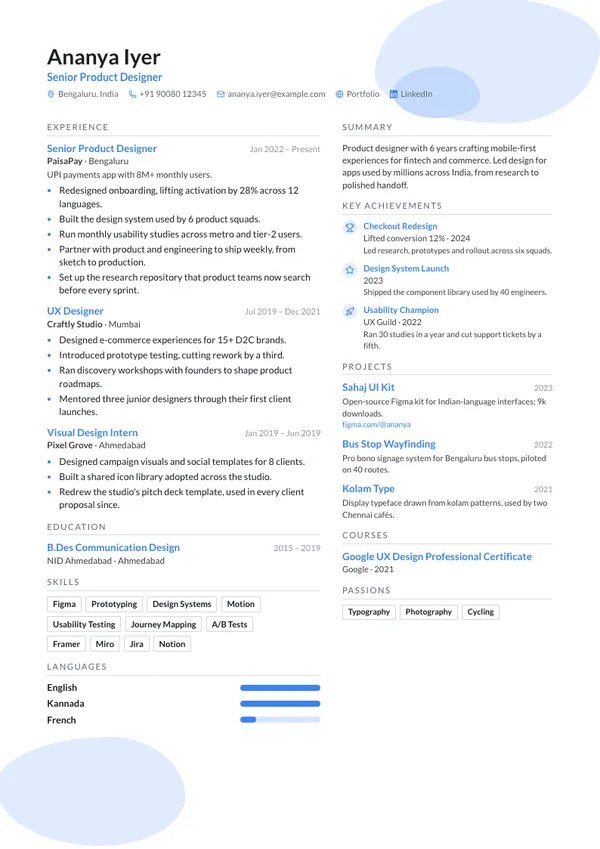
Wave
Two columnsSoft accent shapes behind the photo header, two columns beneath.
Wave resume template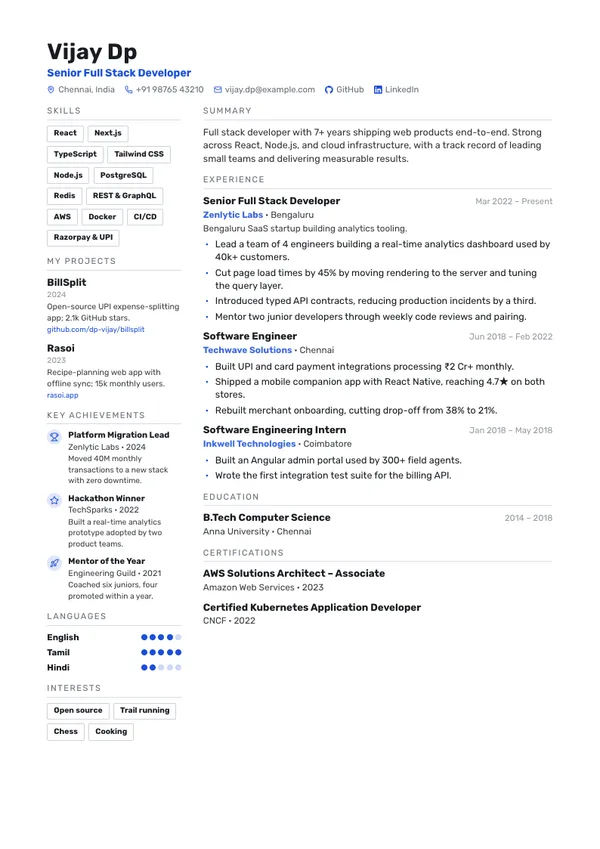
Rail
Two columnsNarrow left rail of skill tags, projects and achievements beside the main column.
Rail resume template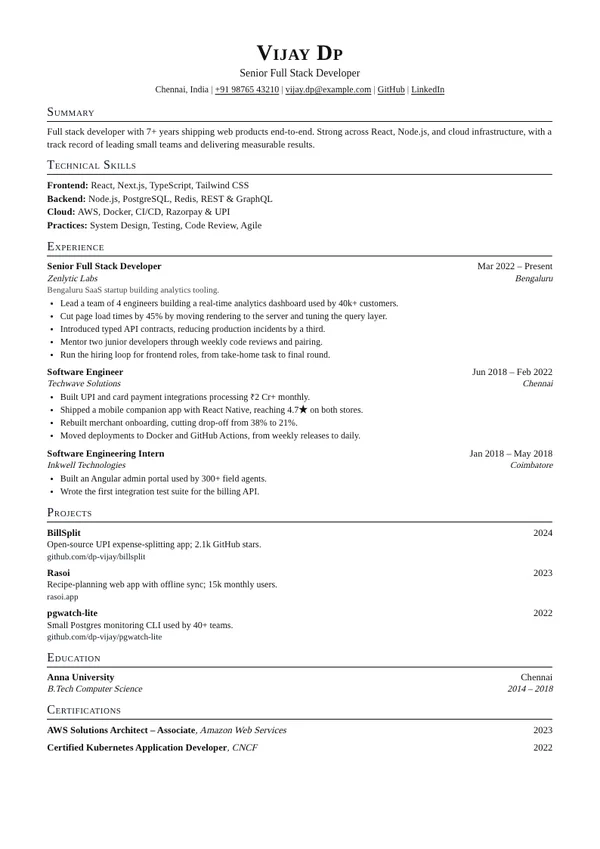
Standard
Single columnSmall-caps headings and two-line entries, dates flush right — the engineer's one-pager.
Standard resume template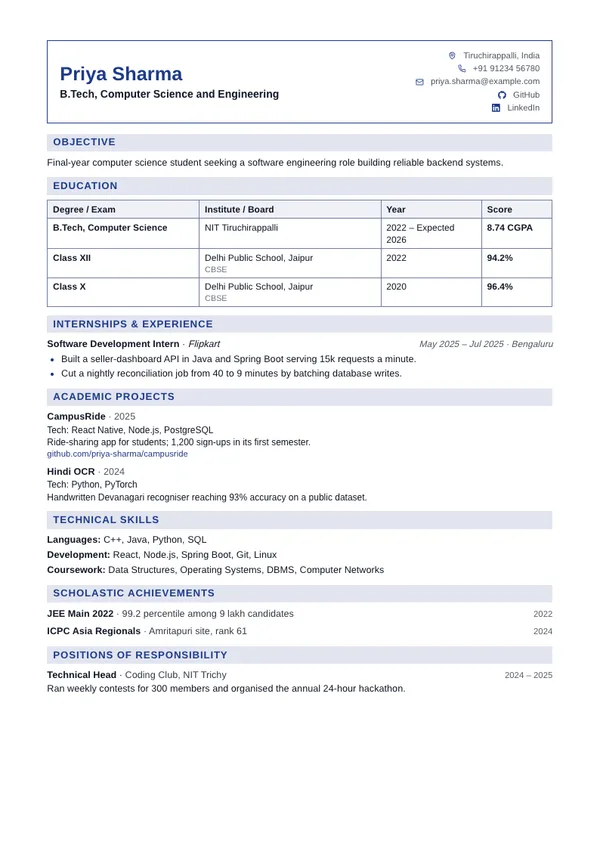
Placement
Single columnCampus placement format: boxed header, education as a CGPA table, shaded heading bars.
Placement resume template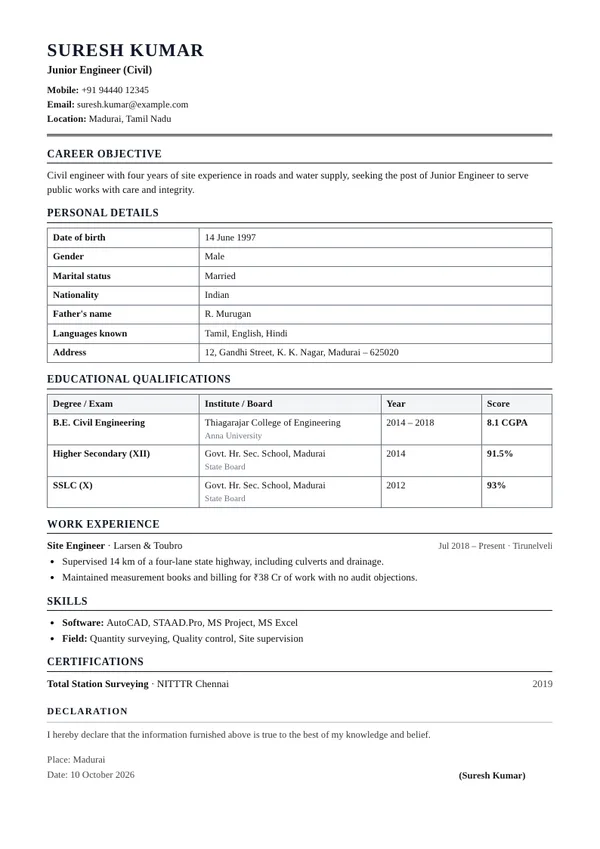
Biodata
Single columnGovernment and PSU format: passport photo, personal details and qualifications in tables.
Biodata resume template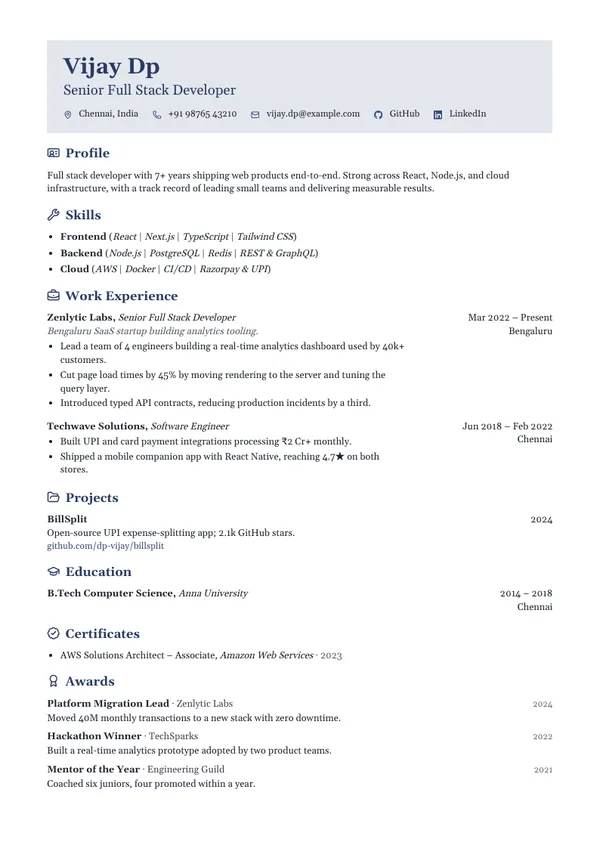
Gutter
Single columnTinted header, icons on every heading, dates and places in a right-hand gutter.
Gutter resume template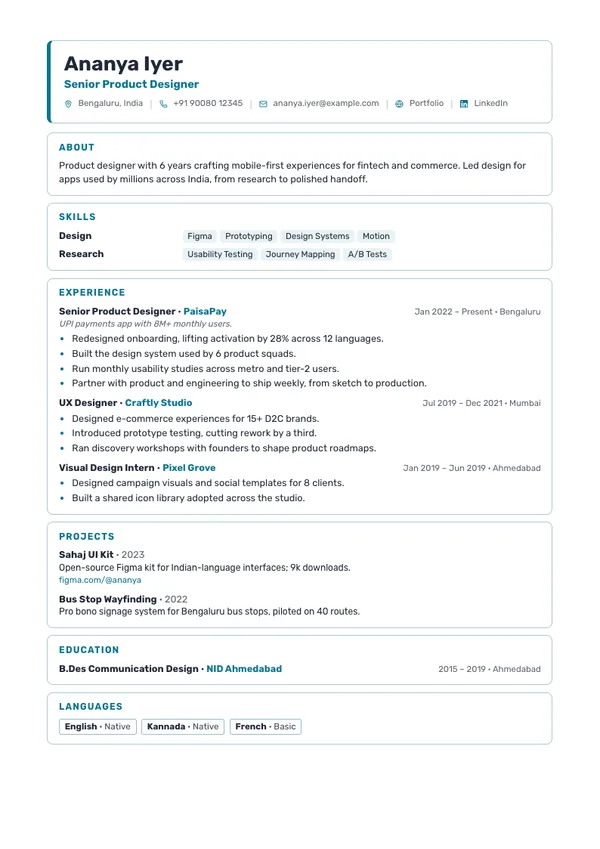
Cards
Single columnEvery section in its own outlined card, under a header card with an accent edge.
Cards resume template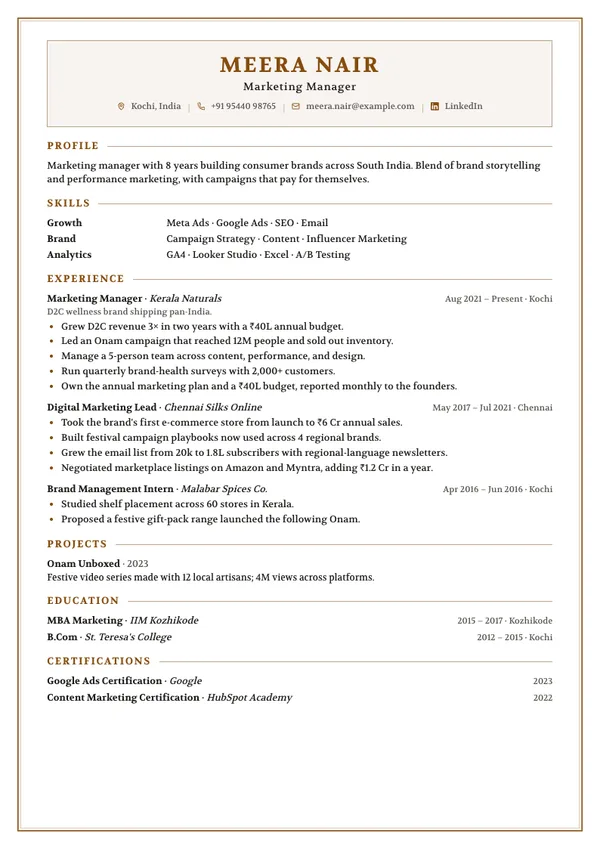
Framed
Single columnA ruled frame round every page, an inset header panel, headings into a hairline.
Framed resume template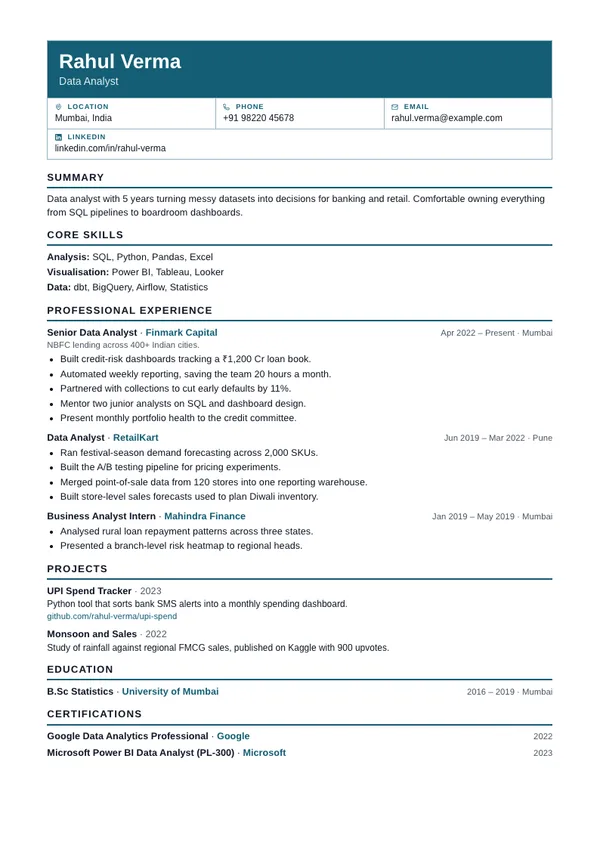
Grid
Single columnForm-style header of labelled contact cells over one plain, ruled column.
Grid resume templateHow to choose a resume template
Applying through a job portal?
Pick a single-column template. Applicant tracking systems read top to bottom, and one column gives them nothing to misread.
Sending it to a person?
Two-column and creative designs fit more on a page and leave a stronger impression when a recruiter opens the PDF directly.
Not sure yet?
Your content isn't tied to a design. Switch templates in the editor at any time and nothing you've written is lost.