Professionallydesignedtemplates.
From clean and minimal to creative — find the perfect template for your career.
Free resume maker for freshers and professionals: pick a format, fill in your details, and download an ATS-friendly PDF that looks exactly like the preview. No watermark, no paywall.
Pick a template, make it yours
Developer, designer, analyst or manager — enter your details once and switch designs whenever you like.
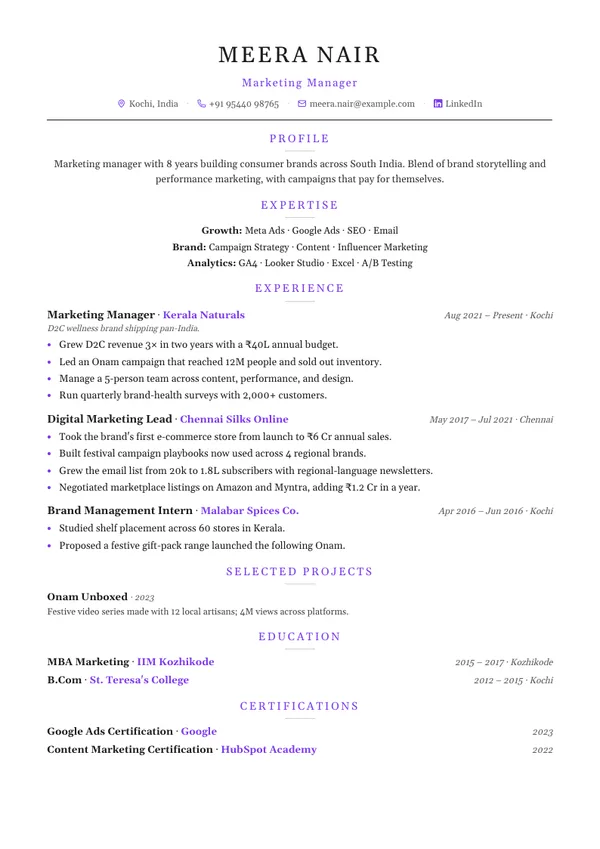
Classic
Single columnATS-friendly single column with clean section rules.
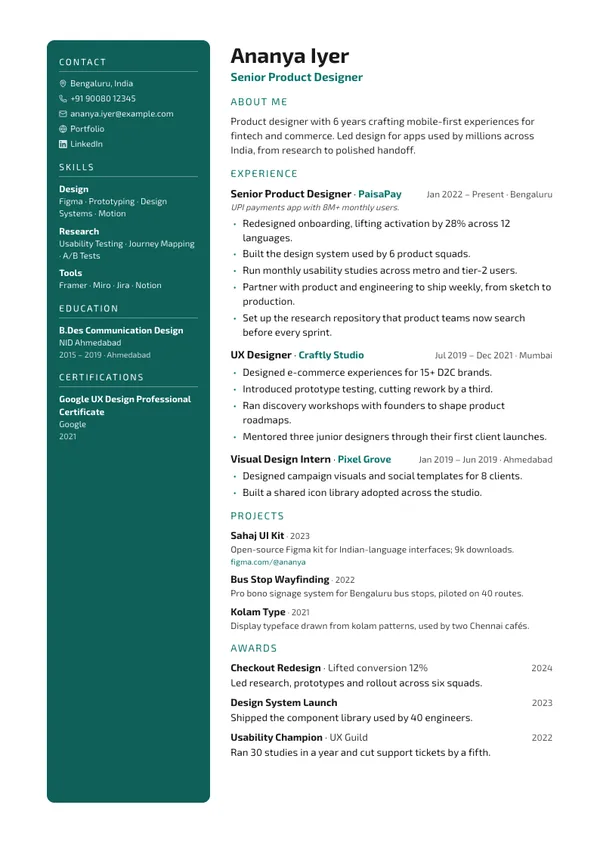
Classic resume templateModern
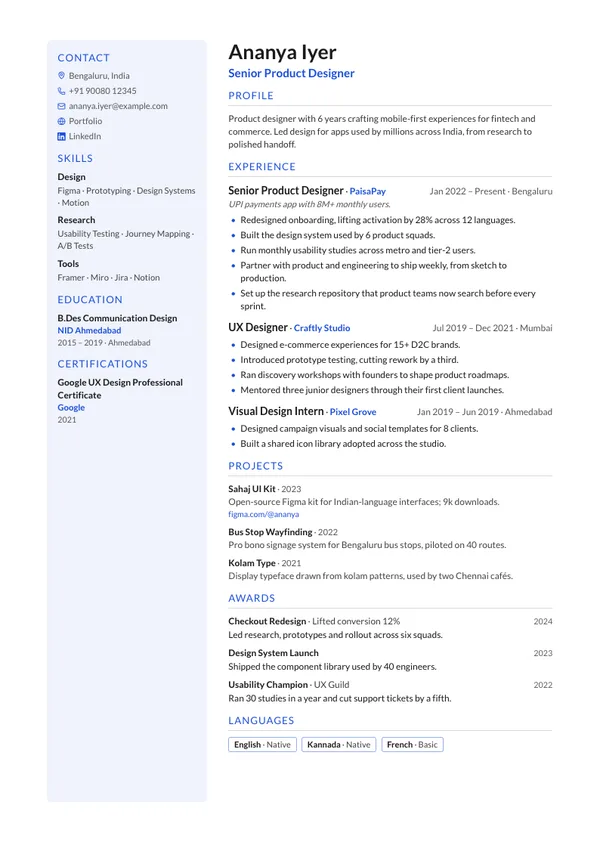
Two columnsTwo columns with a tinted left sidebar for skills and education.
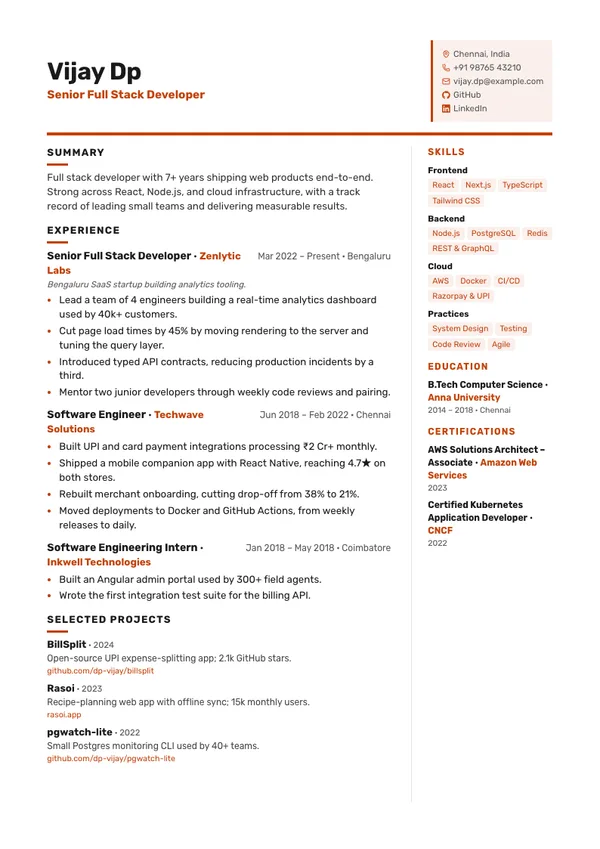
Modern resume templateSplit
Two columnsBoxed contact card in the header, sidebar on the right.
Split resume template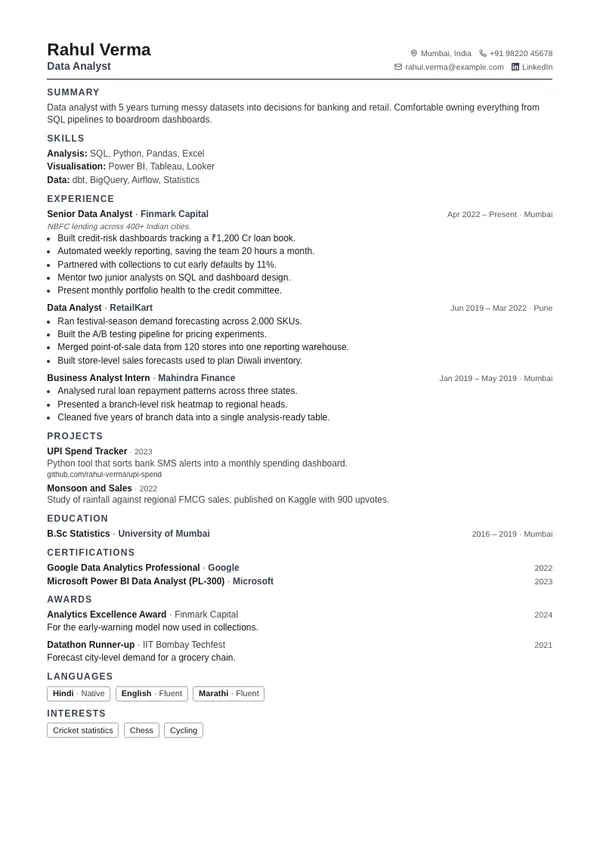
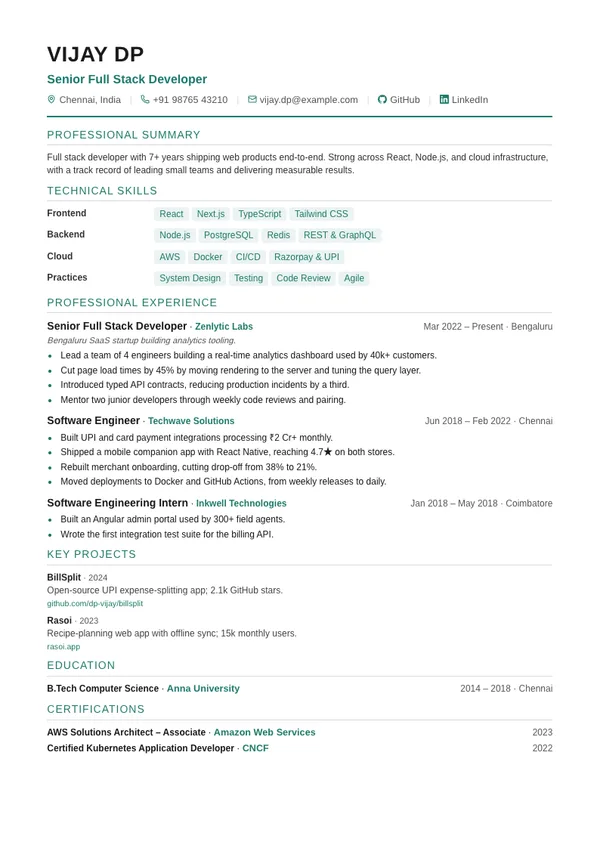
Compact
Single columnDense layout that fits more onto a single page.
Compact resume template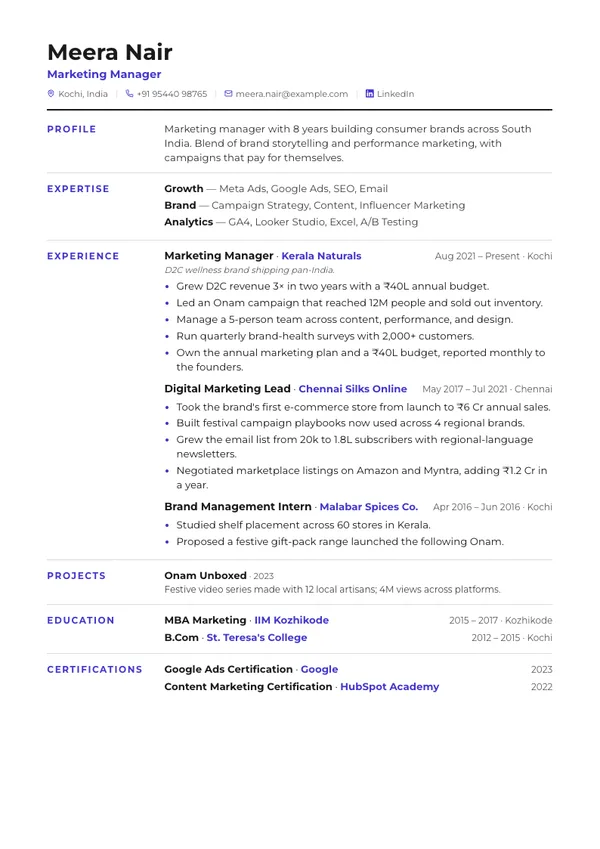
Ledger
Single columnSection labels in a left column beside their content.
Ledger resume templateElegant
Single columnCentered serif header with understated dividers.
Elegant resume template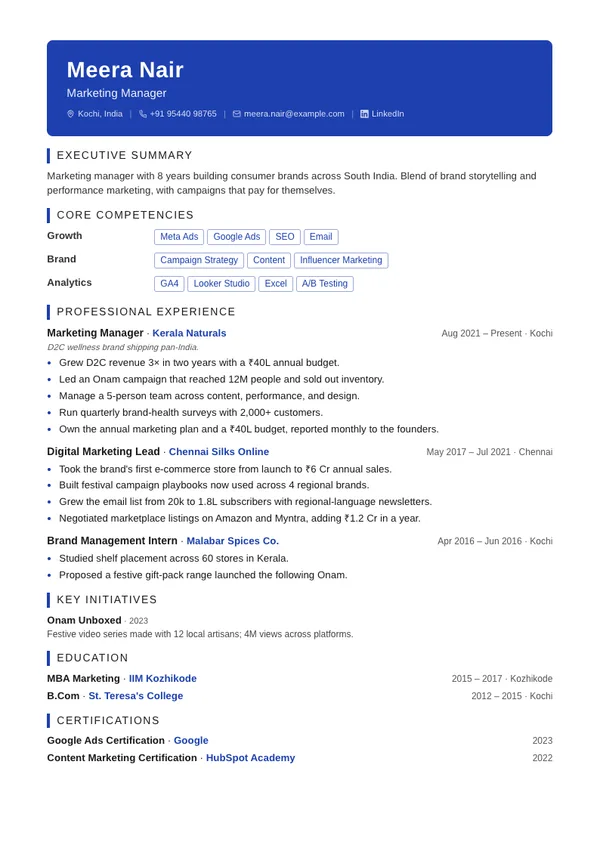
Executive
Single columnBold accent header band with an authoritative layout.
Executive resume template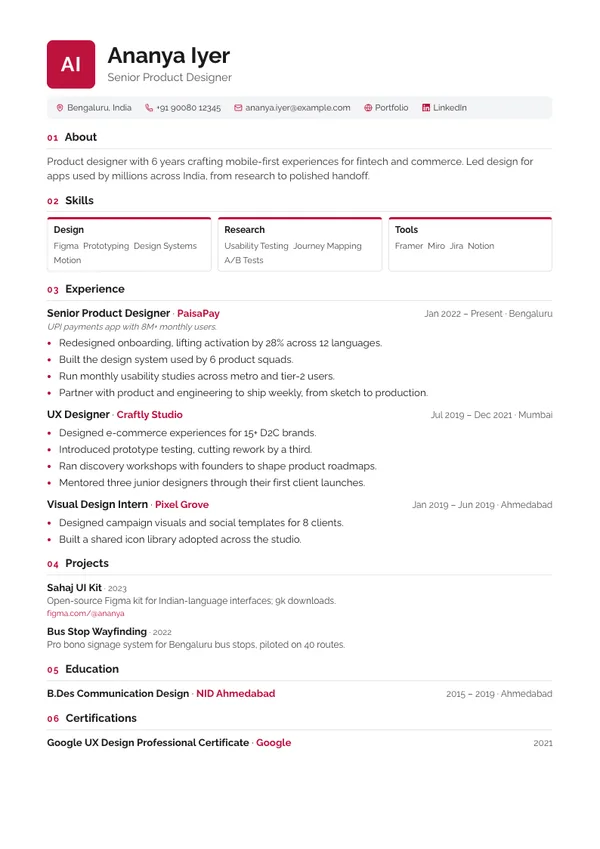
Monogram
Single columnInitials block, contact strip, and numbered sections.
Monogram resume templateCreative
Two columnsDark accent sidebar with photo — made to stand out.
Creative resume template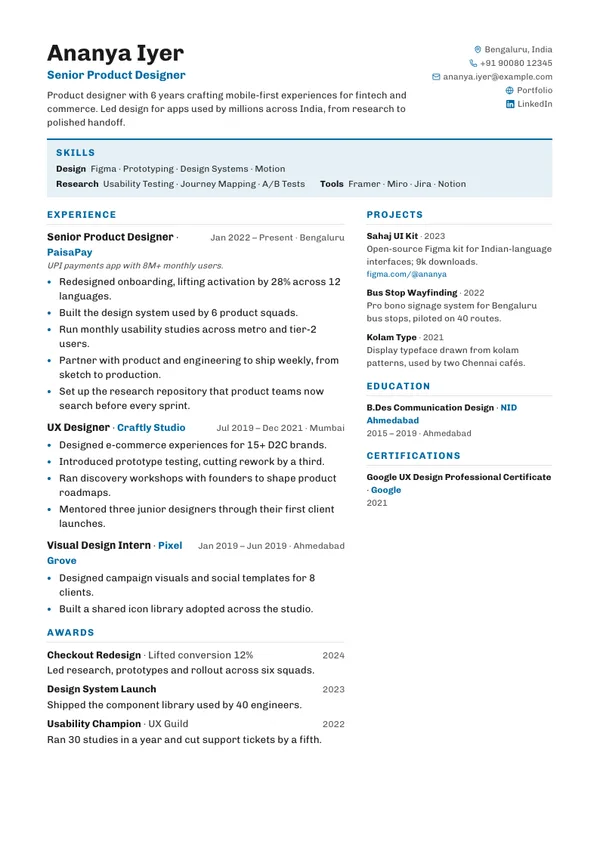
Horizon
Two columnsSkills band under the header, experience beside projects.
Horizon resume template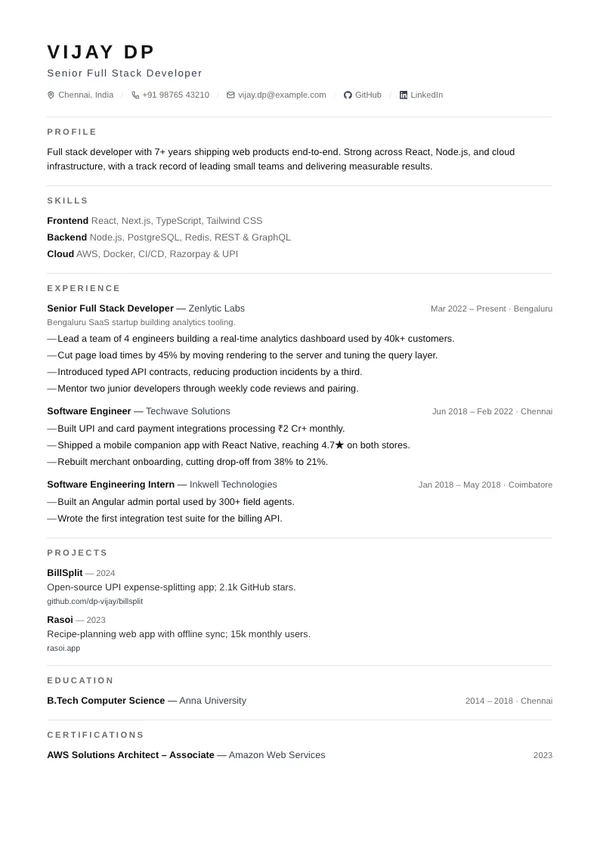
Minimal
Single columnSwiss-style typography, hairline rules, pure whitespace.
Minimal resume template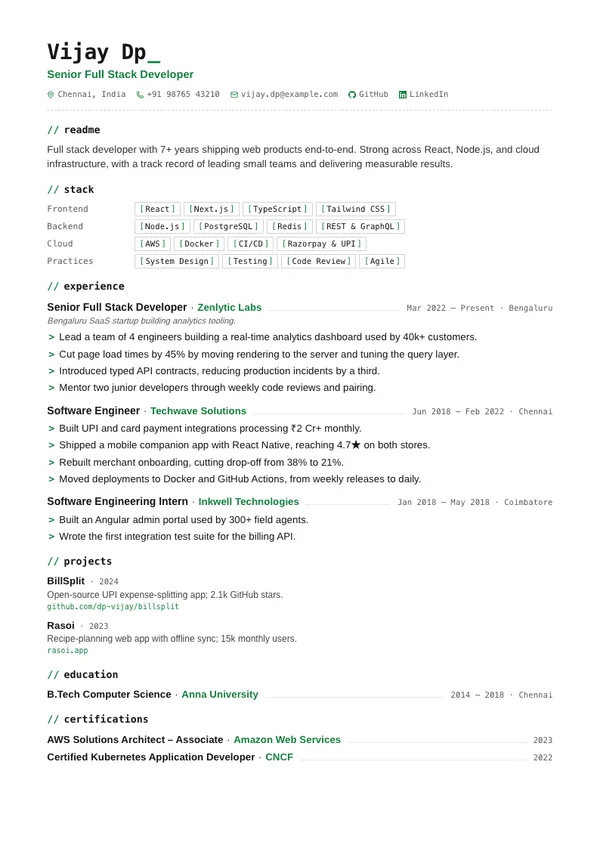
Mono
Single columnDeveloper-styled: code labels, bracketed skills, > bullets.
Mono resume template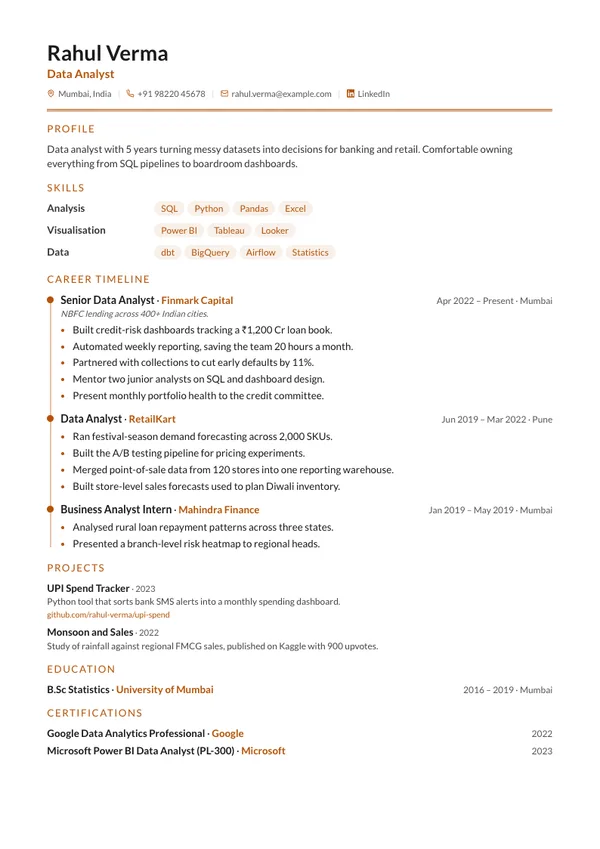
Timeline
Single columnCareer rail with accent milestones down your experience.
Timeline resume template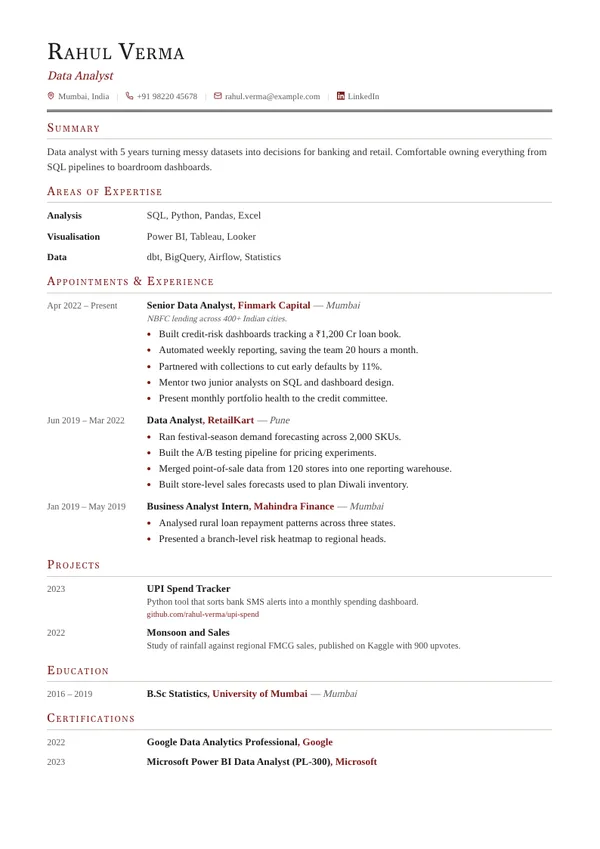
Academic
Single columnCV-style date gutter with serif small-caps headings.
Academic resume template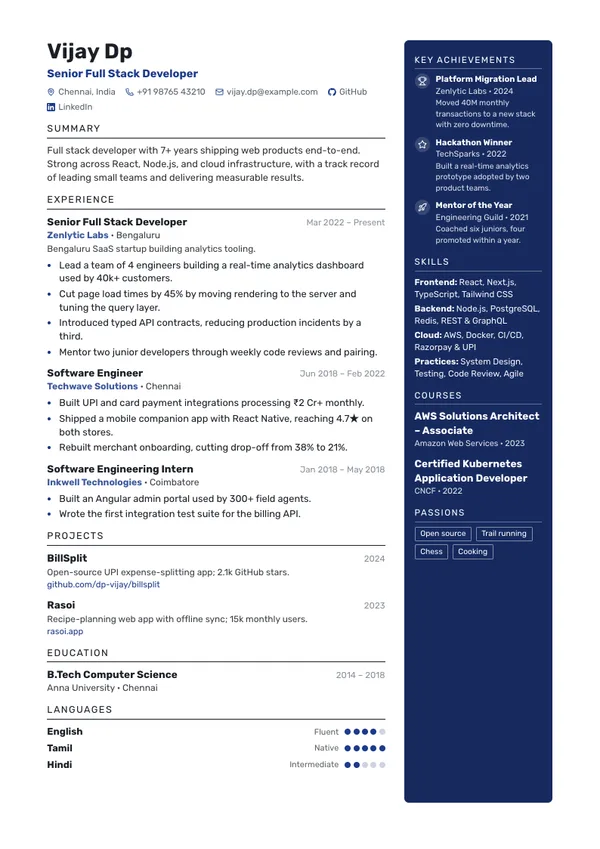
Navy
Two columnsDeep accent sidebar on the right for photo, achievements, skills and courses.
Navy resume template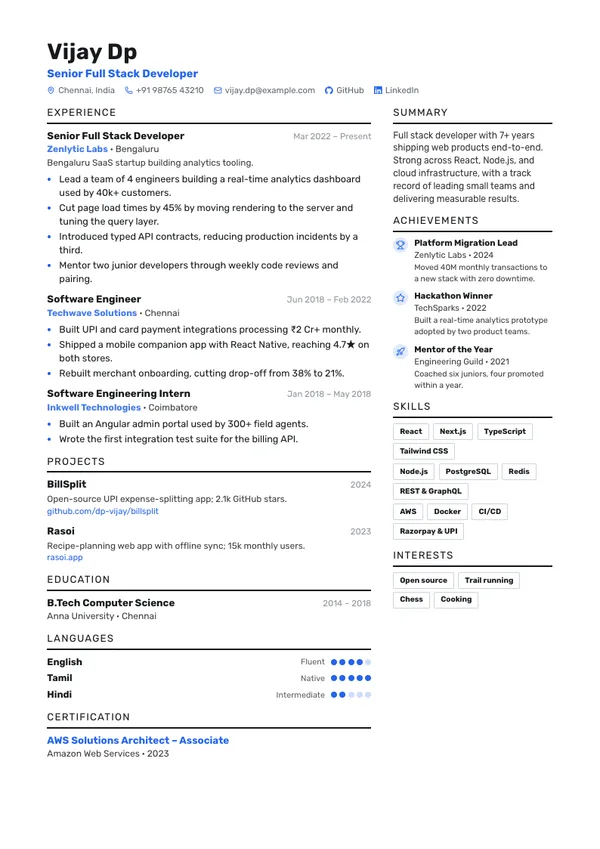
Duo
Two columnsWide experience column beside a light column of summary, achievements and skills.
Duo resume template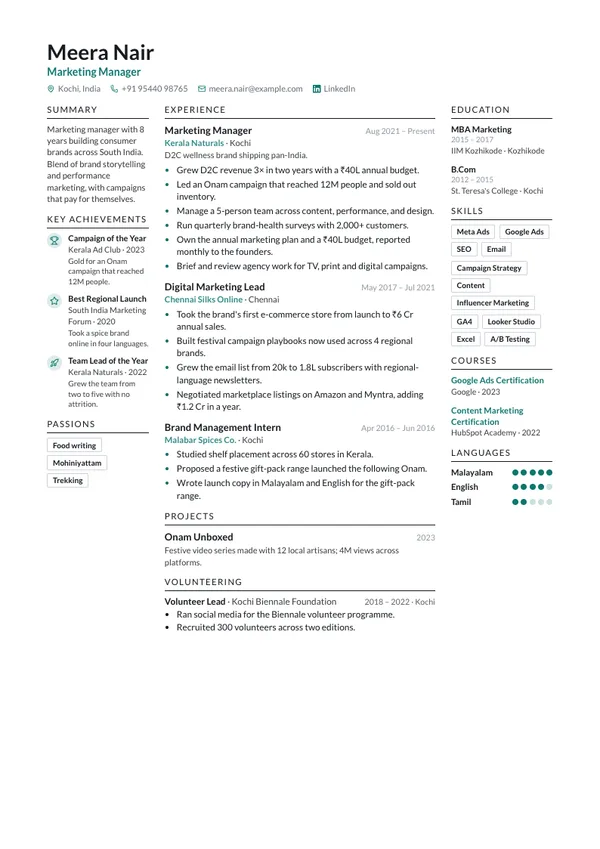
Triad
Three columnsThree columns — context, experience, credentials — under a photo header.
Triad resume template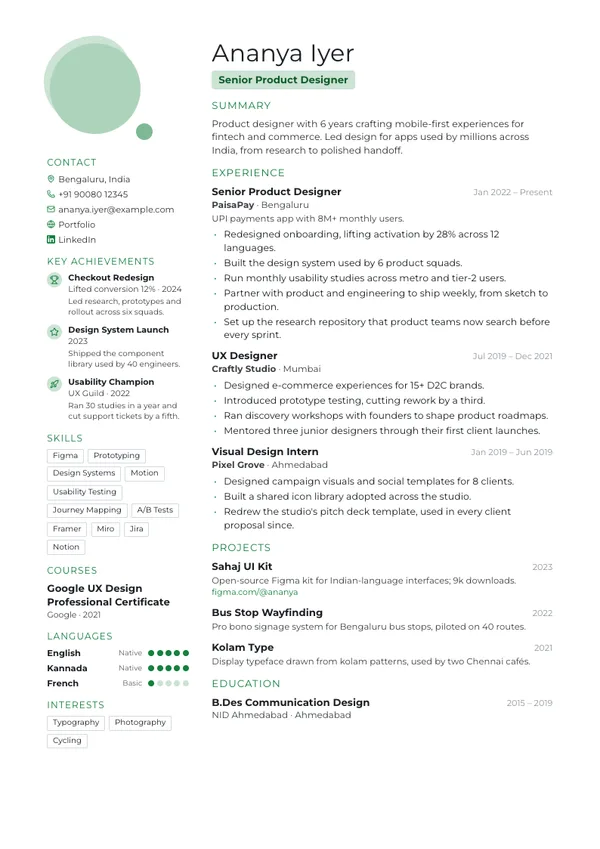
Portrait
Two columnsLarge portrait with a soft accent shape; contacts and credentials down the left.
Portrait resume template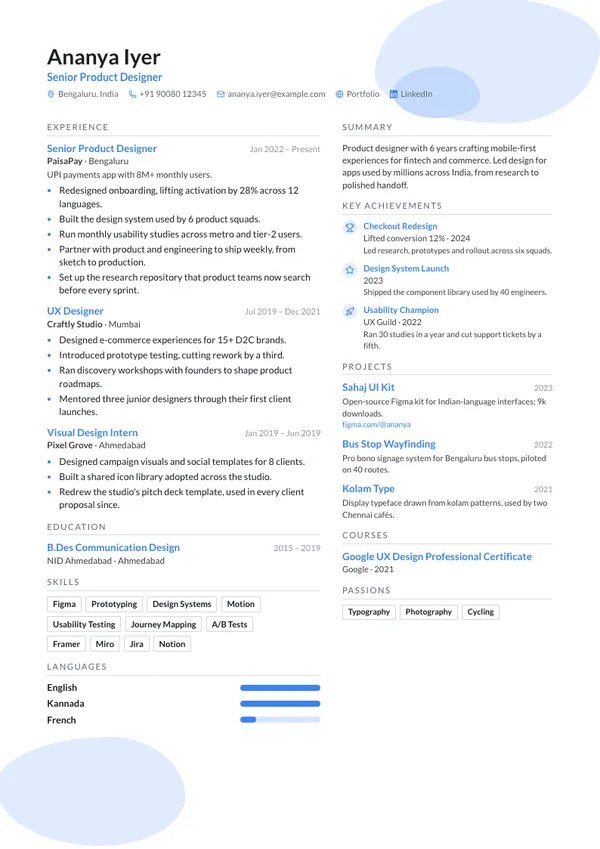
Wave
Two columnsSoft accent shapes behind the photo header, two columns beneath.
Wave resume template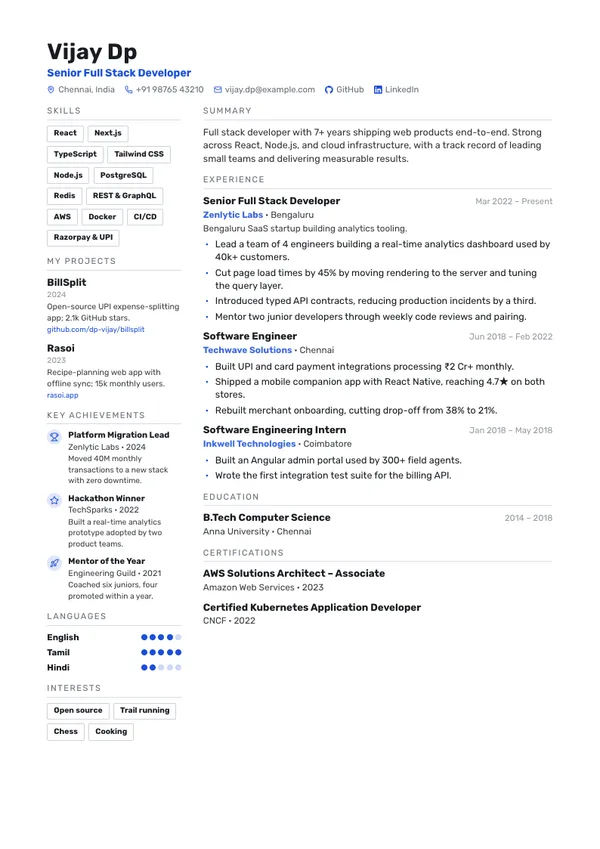
Rail
Two columnsNarrow left rail of skill tags, projects and achievements beside the main column.
Rail resume template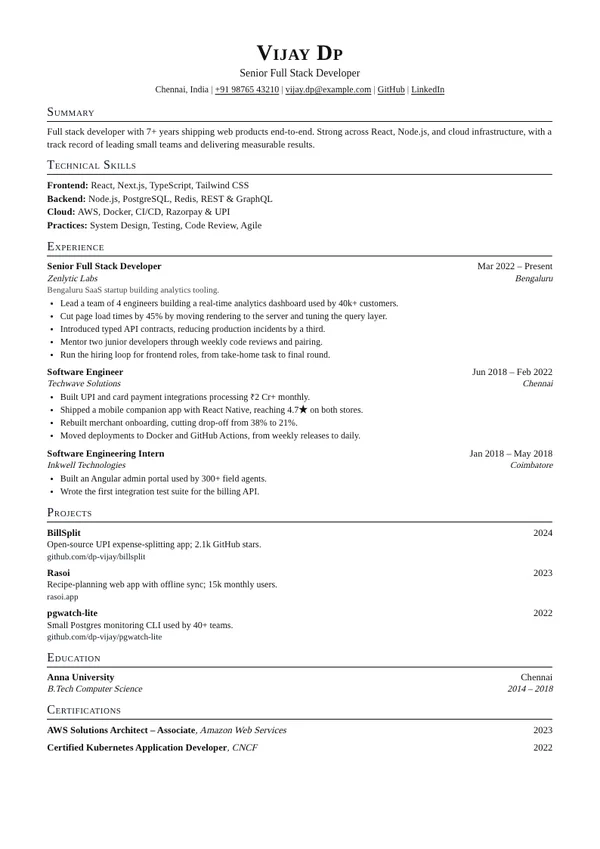
Standard
Single columnSmall-caps headings and two-line entries, dates flush right — the engineer's one-pager.
Standard resume template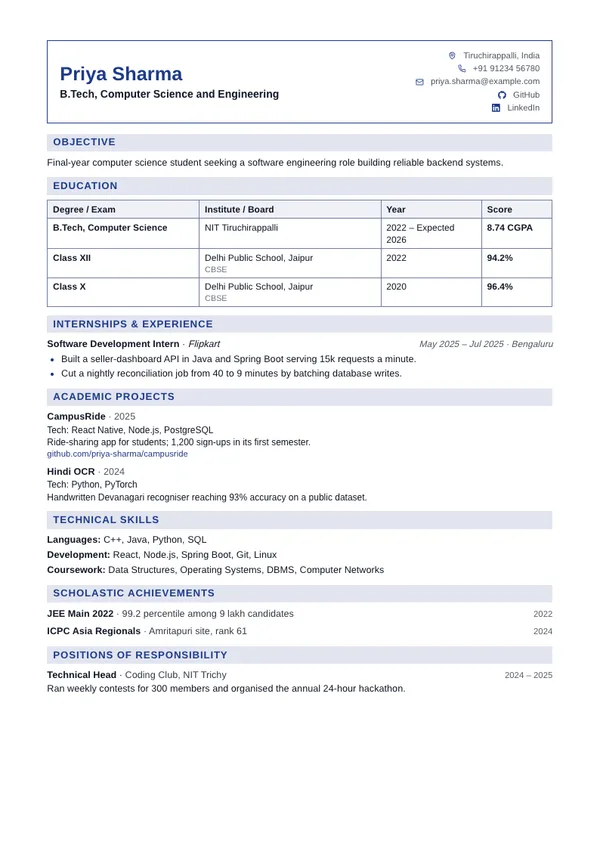
Placement
Single columnCampus placement format: boxed header, education as a CGPA table, shaded heading bars.
Placement resume template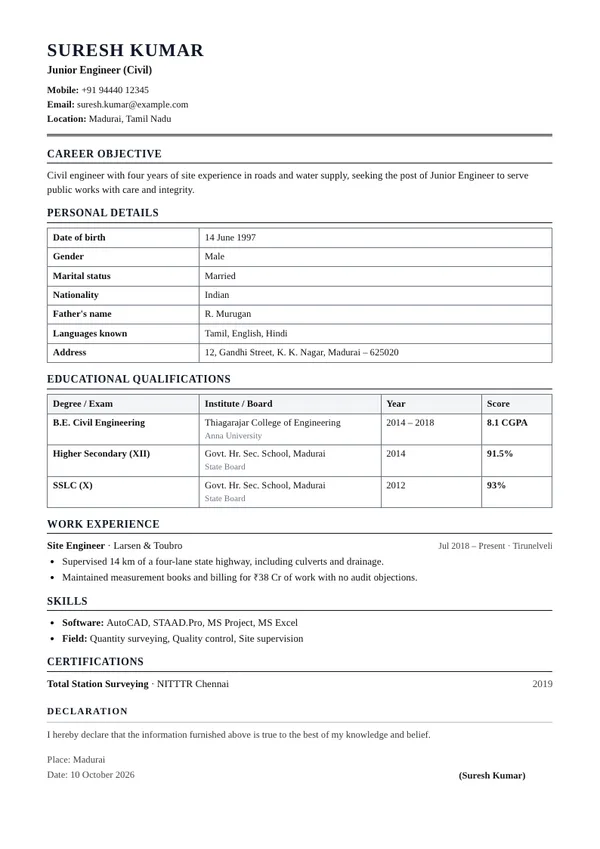
Biodata
Single columnGovernment and PSU format: passport photo, personal details and qualifications in tables.
Biodata resume template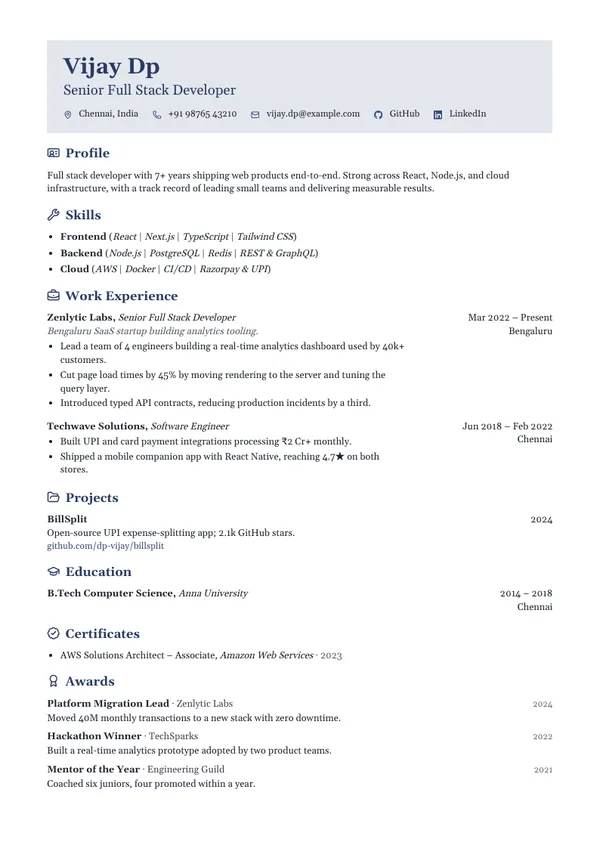
Gutter
Single columnTinted header, icons on every heading, dates and places in a right-hand gutter.
Gutter resume template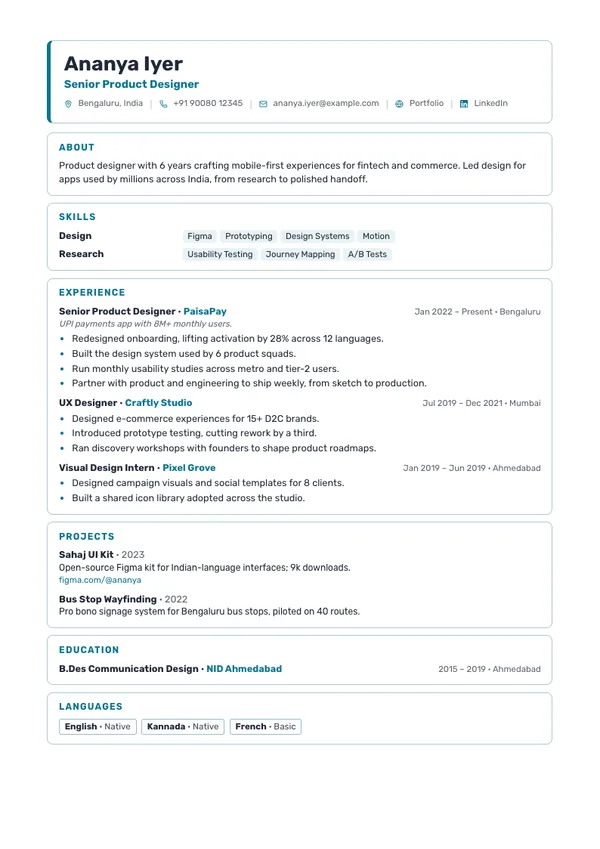
Cards
Single columnEvery section in its own outlined card, under a header card with an accent edge.
Cards resume template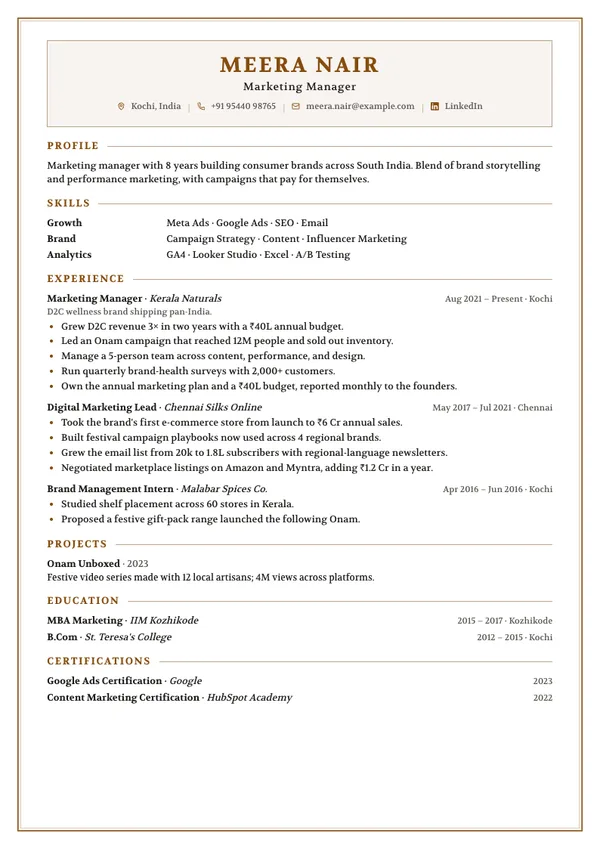
Framed
Single columnA ruled frame round every page, an inset header panel, headings into a hairline.
Framed resume template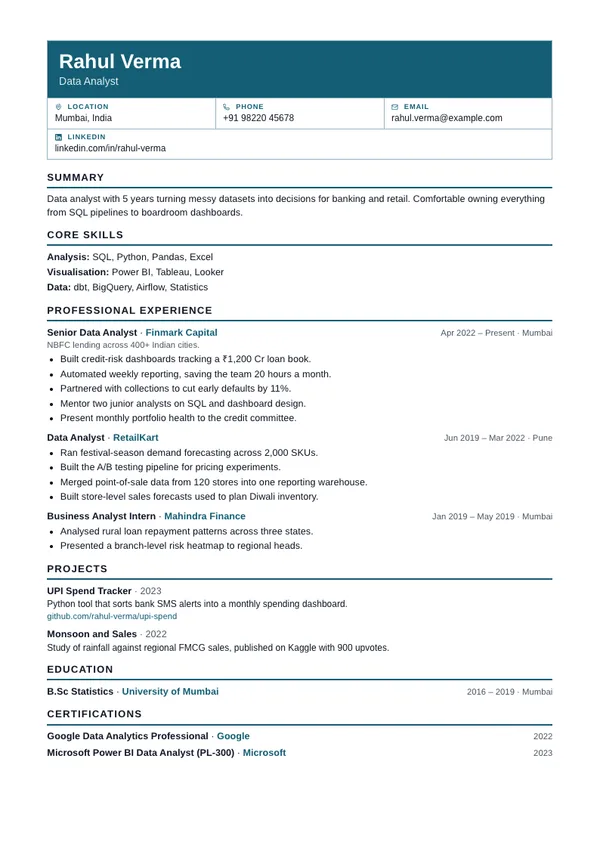
Grid
Single columnForm-style header of labelled contact cells over one plain, ruled column.
Grid resume templateSwipe to see more templates
Already have a resume?
Upload it to the free resume checker for a score out of 100 and the fixes that matter most, in a few seconds. No sign-up, and your file is not kept.
Check my resumeResume formats by role
A complete sample for each, with the skills recruiters filter on and the mistakes to avoid.
- Teacher resume format
- B.Tech fresher resume format
- MBA fresher resume format
- Software engineer resume format
- B.Com fresher resume format
- Data analyst resume format
Applied? Keep track.
Every application in one place
Save each job with the resume you sent, move it from applied to interviews to offer, and get an email the evening before a round. Paste the posting and Rezome shows which of its keywords your resume already has.
Free, like the rest. Only you can see it. Save jobs from LinkedIn and Naukri with the browser extension.
Friendly to recruiters and their software
Most resumes are screened by software before a person ever reads them. Every template here is built so nothing gets lost on the way through.
Build yours now- Real selectable text — never images
- Standard section headings recruiters expect
- Readable contact details at the top
- Clean layouts that parse without garbling
- Bullet points that scan in seconds
- Clickable links preserved in the PDF
Everything you see is exactly what you download
- Live preview as you type
- Every keystroke updates the page instantly, so you always know exactly how the final resume looks.
- Make it unmistakably yours
- 27 templates, 13 fonts, any accent color, editable headings, and sections you reorder by dragging or with the keyboard.
- The PDF is the preview
- What you download is exactly what you saw — same fonts, same spacing, down to the pixel.
From blank page to PDF in minutes
- 1
Add your details
Guided sections for experience, skills, projects, and more.
- 2
Pick your look
Choose a template, color, and font. Switch anytime — content stays.
- 3
Download & apply
A print-ready, ATS-friendly PDF in one click. Free, always.